
The Real Role of 3D Elements in Web Design

The Real Role of 3D Elements in Web Design
3D elements in web design are defined as interactive, depth-rendered visual components that simulate three-dimensional space on a flat screen, creating the perception of volume, distance, and physical presence. The role of 3D elements in web design goes far beyond aesthetics. They function as cognitive tools that guide attention, reduce confusion, and drive users toward action. 61% of users report that 3D elements strongly improve their recognition and understanding of digital content compared to flat text. That number alone should make every web designer and digital marketer pay attention.
How do 3D elements improve user experience and engagement?
3D elements work as spatial guides inside a webpage. They tell your eye where to go, what matters, and what to do next. That is not decoration. That is architecture.

The technical term for this is depth cueing, and it is the same principle architects use when designing physical spaces to control foot traffic. On a website, depth cueing through 3D shapes, shadows, and parallax layers creates a visual hierarchy that flat layouts simply cannot replicate. Users process spatial information faster than text, so immersive 3D elements direct users toward structure, calls to action, and key messaging with less cognitive effort.
Here is what that looks like in practice:
-
Content recognition: Users who encounter 3D product displays or animated depth layers spend more time examining content before scrolling past it.
-
Navigation clarity: Spatial cues like raised buttons, layered cards, and floating elements signal interactivity without a single word of instruction.
-
Engagement depth: Pages with meaningful 3D interactions see users explore more sections, which increases time on site and lowers bounce rates.
-
Emotional response: Depth and realism trigger a sense of physical presence. That feeling builds trust faster than a paragraph of copy.
The key word there is meaningful. Spinning a logo in 3D for no reason does not improve UX. A 3D product model that lets a user rotate a sneaker before buying? That solves a real problem. Top design experts stress that 3D should solve UX problems and align to user needs, not serve as decoration.
Pro Tip: Before adding any 3D element, write one sentence describing the UX problem it solves. If you cannot write that sentence, the element does not belong on the page.
Thinking about how 3D visuals improve attention is a good starting point for any digital strategy conversation with your team.
What is the impact of 3D graphics on conversions and business outcomes?
3D visualization drives measurable business results, especially in sectors where purchase anxiety is high. The logic is simple: the more accurately a user can inspect a product before buying, the more confident they feel clicking “add to cart.”
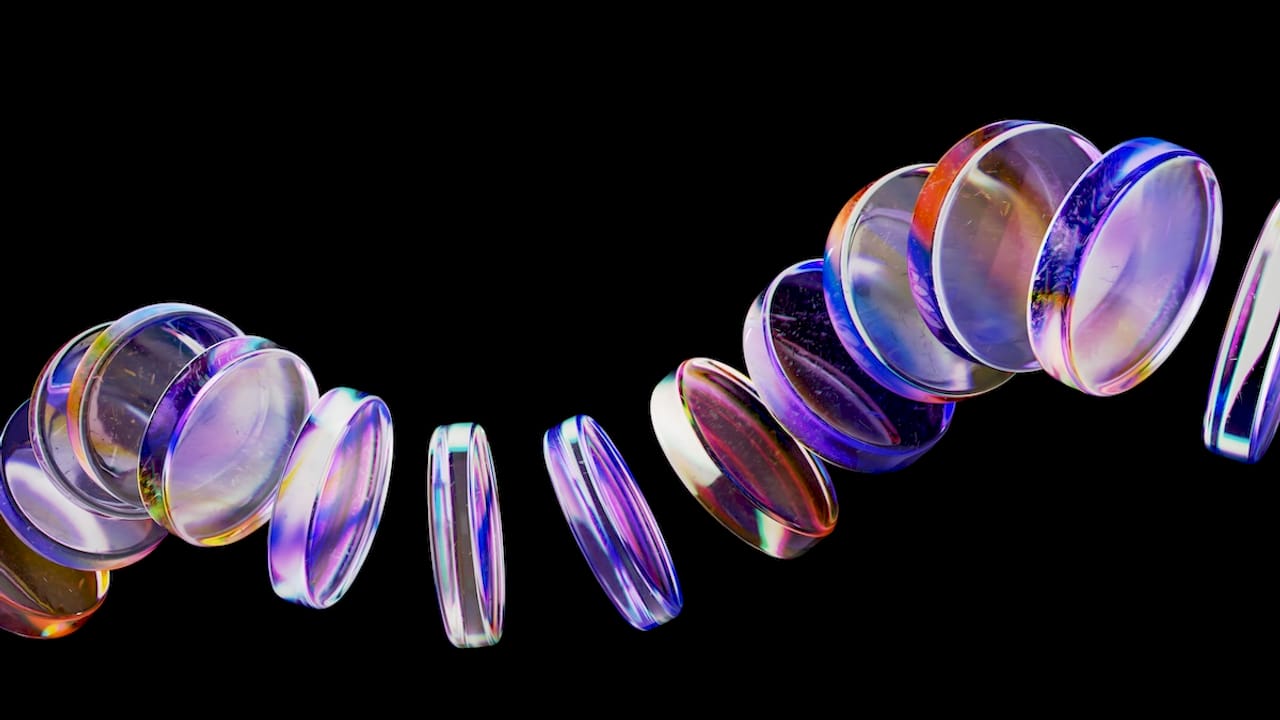
High-quality 3D visualization in e-commerce leads to higher conversion rates and lower return rates. Users can rotate, zoom, and inspect products, which reduces the uncertainty that kills purchase decisions. That reduction in uncertainty is worth real money. Fewer returns mean lower logistics costs. Higher conversions mean better ROI on every ad dollar spent.
The industries where this plays out most clearly are:
-
Real estate: Virtual 3D walkthroughs let buyers inspect floor plans, room proportions, and finishes before a single site visit. Developers close deals faster because buyers arrive pre-sold.
-
Complex B2B products: Industrial equipment, medical devices, and software platforms use interactive 3D models to communicate scale, geometry, and assembly processes that no flat image can convey.
-
High-end consumer goods: Luxury brands use 3D renders to show material texture, stitching detail, and color variation at a level that photography often misses.
-
Architecture and advertising: 3D rendering is now essential in these industries for communicating designs and getting approvals before manufacturing or construction begins.
Stat to know: Immersive 3D elements deliver the strongest ROI in high-consideration purchase funnels like real estate, B2B, and complex consumer products. Confidence driven by interactive visualization increases conversions and reduces returns.
The pattern is consistent. When users can inspect a product the way they would in a physical store, they buy more and return less. That is the core business case for 3D on your website. For a deeper look at how conversion optimization strategies connect to visual design decisions, the relationship between product display and purchase behavior is well documented.
Strategic best practices for integrating 3D elements effectively
The biggest mistake designers make with 3D is treating it like a trend to participate in rather than a tool to deploy with purpose. Successful 3D usage demonstrates product scale, shows an assembly process, or provides meaningful interactivity. Everything else is noise.
Here is a practical framework for deciding when and where 3D belongs:
-
Prioritize utility over spectacle. Ask whether the 3D element helps users understand something faster or make a decision with more confidence. If it only looks impressive, cut it.
-
Respect content hierarchy. Place 3D elements where they support the most important decision on the page, not where they fill empty space.
-
Avoid performance bloat. Every 3D asset adds weight to your page. Unoptimized assets hurt load times, which hurts SEO, which hurts traffic. More on this below.
-
Design for accessibility. Not every user has a high-end GPU or a fast connection. Provide fallback states for users on slower devices or with motion sensitivity settings enabled.
-
Test interactivity on mobile. Touch-based 3D interactions behave differently than mouse-based ones. What feels intuitive on desktop can feel clunky on a phone.
Pro Tip: Use your design component library to build 3D elements as reusable, tested components rather than one-off builds. This keeps performance consistent and speeds up future projects.
The discipline here is the same as any good design decision. You are solving a problem for a real person, not impressing a jury. When 3D serves the user, it earns its place on the page.
How do you optimize 3D elements for site speed and SEO?
Optimization is the single biggest determinant of whether 3D helps or hurts your site. Visual quality means nothing if your page takes six seconds to load.
Unoptimized 3D elements hurt site speed, damage SEO rankings, increase bounce rates, and erode user trust. That is a four-way loss. The good news is that the technical fixes are well established.
-
Texture compression: Use compressed texture formats like WebP or KTX2 for 3D surface maps. These reduce file size without visible quality loss at standard screen resolutions.
-
Mesh reduction: Reduce polygon counts on 3D models to the minimum needed for visual clarity. A product model for a website does not need the same polygon density as a film VFX asset.
-
Efficient shader use: Avoid complex custom shaders on elements that users will barely notice. Simple, GPU-friendly shaders load faster and work across more devices.
-
Lazy loading: Load 3D assets only when they enter the viewport. This keeps initial page load fast and reserves bandwidth for content users actually see.
-
Progressive enhancement: Serve a static image by default and load the 3D version only when the device and connection can handle it.
| Optimization technique | Primary benefit | Risk if skipped |
|---|---|---|
| Texture compression | Smaller file size | Slow load, high bandwidth cost |
| Mesh reduction | Faster rendering | GPU strain, frame drops |
| Efficient shaders | Cross-device compatibility | Crashes on low-end devices |
| Lazy loading | Fast initial page load | High bounce rate |
| Progressive enhancement | Broad device support | Broken experience on mobile |
Optimizing images and assets for web follows the same logic as 3D optimization. The principles of compression, format selection, and delivery strategy apply directly to 3D asset pipelines. Optimization is the key determinant of 3D success, not visual quality alone. Careful engineering makes 3D possible without harming speed or accessibility.
Key Takeaways
3D elements in web design deliver measurable gains in user engagement, conversion rates, and content comprehension only when they solve specific UX problems and are technically optimized for performance.
| Point | Details |
|---|---|
| 3D as a cognitive guide | 61% of users report better content recognition with 3D elements versus flat text alone. |
| Business case is proven | High-quality 3D visualization raises conversion rates and lowers return rates in e-commerce. |
| Strategy beats spectacle | Effective 3D solves a UX problem first. Decoration without purpose hurts more than it helps. |
| Optimization is non-negotiable | Unoptimized 3D damages SEO, increases bounce rates, and breaks trust with users. |
| Best ROI in high-consideration funnels | Real estate, B2B, and complex consumer products see the strongest returns from immersive 3D. |
Why I think most designers are using 3D backwards
Here is my honest take after years of working with startups on web design: most teams add 3D because they saw it on an award-winning site and wanted that same feeling. I get it. Those sites look incredible. But “feeling” is not a UX strategy.
The designers who get real results from 3D start with a problem, not a visual. They ask, “Why does this user hesitate here?” and then they ask, “Could a 3D interaction answer that hesitation?” That order matters enormously. When you flip it, you get beautiful pages with terrible conversion rates and a dev team quietly cursing the load times.
I have also seen the opposite mistake: teams so worried about performance that they strip out 3D entirely and end up with a flat, forgettable site that converts just as poorly. The answer is not less 3D. The answer is disciplined 3D, built on a solid style foundation and tested against real user behavior.
The future of 3D in web design is not more complexity. It is more precision. WebGL and libraries like Three.js are already mature enough for production use. The next wave will be about knowing exactly which three seconds of a user’s session deserve a 3D moment, and delivering it without making them wait.
My advice: treat every 3D element like a line of copy. It has to earn its place or it gets cut.
— Coumba Evelyn
What Coumba Win Design builds with 3D
Coumba Win Design works with founders who want design that actually moves the needle, not just looks good in a portfolio screenshot.
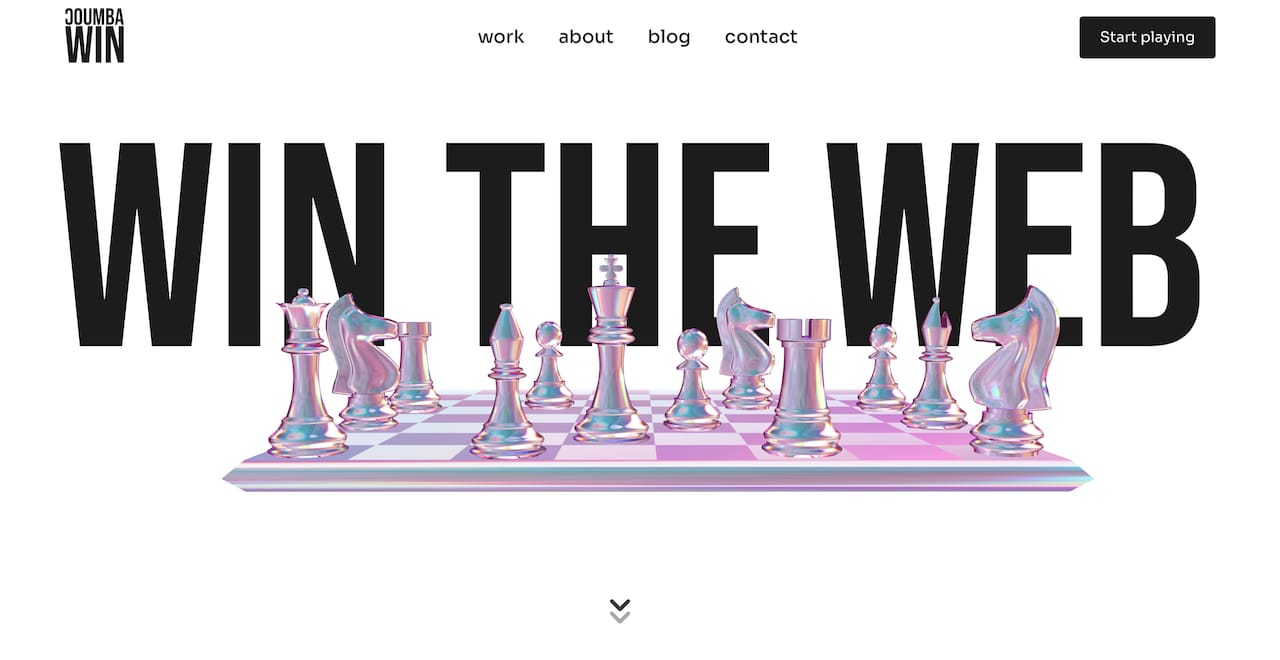
If you are thinking about adding 3D to your site, the place to start is not a mood board. It is a clear picture of where your users hesitate and what visual information would help them decide. Coumba Win Design has done exactly that for educational platforms, high-end apparel brands, and B2B product companies. You can see the 3D design work in action in the case studies, or browse the full component library to understand how 3D elements get built for production. When you are ready to talk strategy, the team at Coumba Win Design is the right call.
FAQ
What are 3D elements in web design?
3D elements in web design are depth-rendered visual components, including interactive models, parallax layers, and animated objects, that simulate three-dimensional space on a flat screen to improve user engagement and content clarity.
How does 3D design improve user experience?
3D elements act as cognitive guides that direct user attention toward key content and calls to action. Research shows 61% of users report better content understanding with 3D visuals compared to flat text.
Do 3D elements hurt website performance?
Unoptimized 3D assets increase load times, raise bounce rates, and damage SEO rankings. Techniques like texture compression, mesh reduction, and lazy loading keep 3D elements fast and accessible across devices.
Which industries benefit most from 3D web design?
Real estate, B2B product companies, and high-consideration e-commerce see the strongest ROI from 3D visualization because interactive inspection reduces purchase anxiety and speeds up decision-making.
When should you avoid using 3D on a website?
Avoid 3D when it serves no UX purpose beyond visual interest. If a 3D element does not help users understand a product, navigate a page, or make a decision faster, it adds cost and load time without measurable benefit.
Recommended